


There is no single Meta ads budget that fits everyone. Still, you can set it with a calculation instead of a guess. The calculation has two parts. One is the cost of the result you want. The other is how many results Meta needs to learn. In this post, we combine the two into 4 steps.
In short
50
results: the weekly learning threshold
75%
extra spend possible on a single day
7×
the daily budget: the most a week can spend
The first thing is what you expect from the ad. If the goal is awareness, the ad’s job is to reach many people. If the goal is a message, a form or a sale, each result costs money. So the real question is not how much to spend. Instead, ask what one result costs. Then ask how many results you want each week.
The second thing is Meta’s learning process. With a new ad set, the system starts learning who to show it to. A significant edit restarts this process too. According to Meta, this phase usually ends after about 50 results. These must come within a week of the last significant edit. While learning, results swing more. The cost per result is often higher too.
Ads Manager has two budget types: a daily budget and a lifetime budget. The difference is how spending spreads across the days.
| Daily budget | Lifetime budget | |
|---|---|---|
| What is it? | An average amount to spend each day | One amount for the whole campaign |
| How is it spent? | Up to 75% more on good days, less on others | Varies by day, never more than the total |
| When does it fit? | Campaigns that run all the time | Campaigns with a clear start and end |
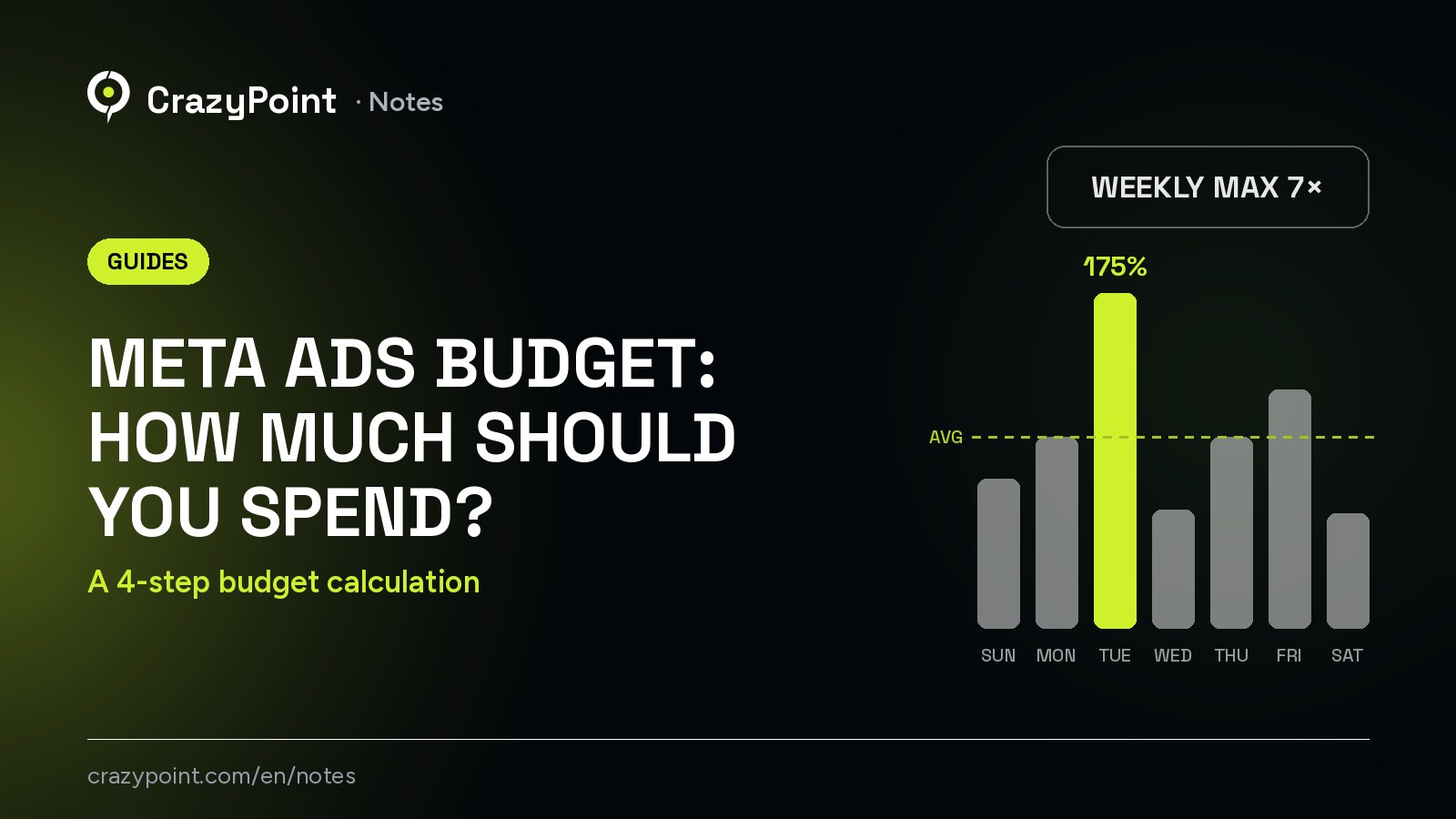
In fact, a daily budget works as a weekly average. According to Meta, it can spend up to 75% more on days with better chances. Even so, one day never goes over 175% of the daily budget. A full week also never goes over 7 times the daily budget. For example, with a daily budget of $10, a week spends $70 at most. In this rule, Meta’s week starts on Sunday.
So think of a daily budget as a weekly average. It is not an exact amount for every day.
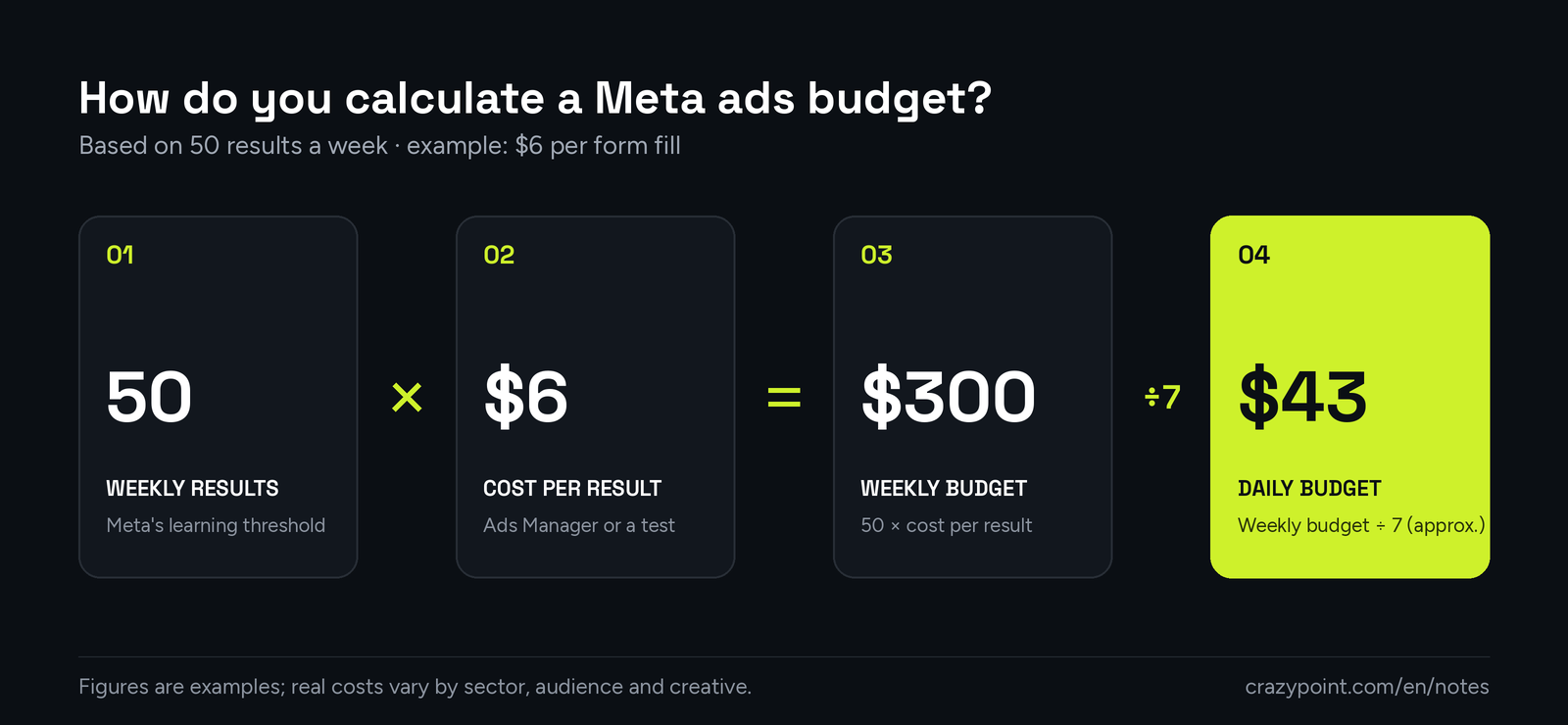
You need two numbers: your weekly result goal and your cost per result. Here are the steps:
Let’s see it with an example. The costs below are hypothetical. Real costs change by sector, audience and creative.
| Goal | Cost per result (example) | Weekly budget (50 results) | Daily budget |
|---|---|---|---|
| WhatsApp message | $2 | $100 | about $14 |
| Form fill | $6 | $300 | about $43 |
| Website sale | $25 | $1,250 | about $179 |
As you can see, expensive results make the 50-result threshold costly. So what if your budget is not enough?
Not every business has the budget for 50 sales a week. That is not a dead end. You just need to shape the campaign around it.
Splitting the budget across many small ad sets slows the learning of each one. Meta also suggests combining similar ad sets. That way, results gather in one place.
If sales are expensive and rare, starting with a more frequent result can help. For example, a message or a form instead of a sale.
At CrazyPoint
We choose the starting result together, based on how the business works. First we set up tracking, then we find what works with small tests.
Meta advises against frequent budget changes. That is because they can send the ad set back into learning. Make changes weekly and with a plan.
With many ads, the system learns less about each one. So starting with a few strong creatives uses the budget better.
Check these five points before you start:
Yes. A small budget can work for awareness or for a cheap result. But if each result costs a lot, 50 results a week gets hard. Then the ad set may stay in learning for a long time.
A daily budget is easier to manage for campaigns that run all the time. For a campaign with a clear start and end, like a sale week, pick a lifetime budget.
Raise it once the ad set leaves learning. Your cost per result should also reach the level you want. We suggest raising it step by step instead of in one big jump.
Not with us. The budget paid to Meta and the ad management fee are kept separate.
Let’s plan your ad budget together
Tell us your goal. Then we will work out a starting budget and campaign setup together. For details, see our Meta Ads page.



Comments are closed