

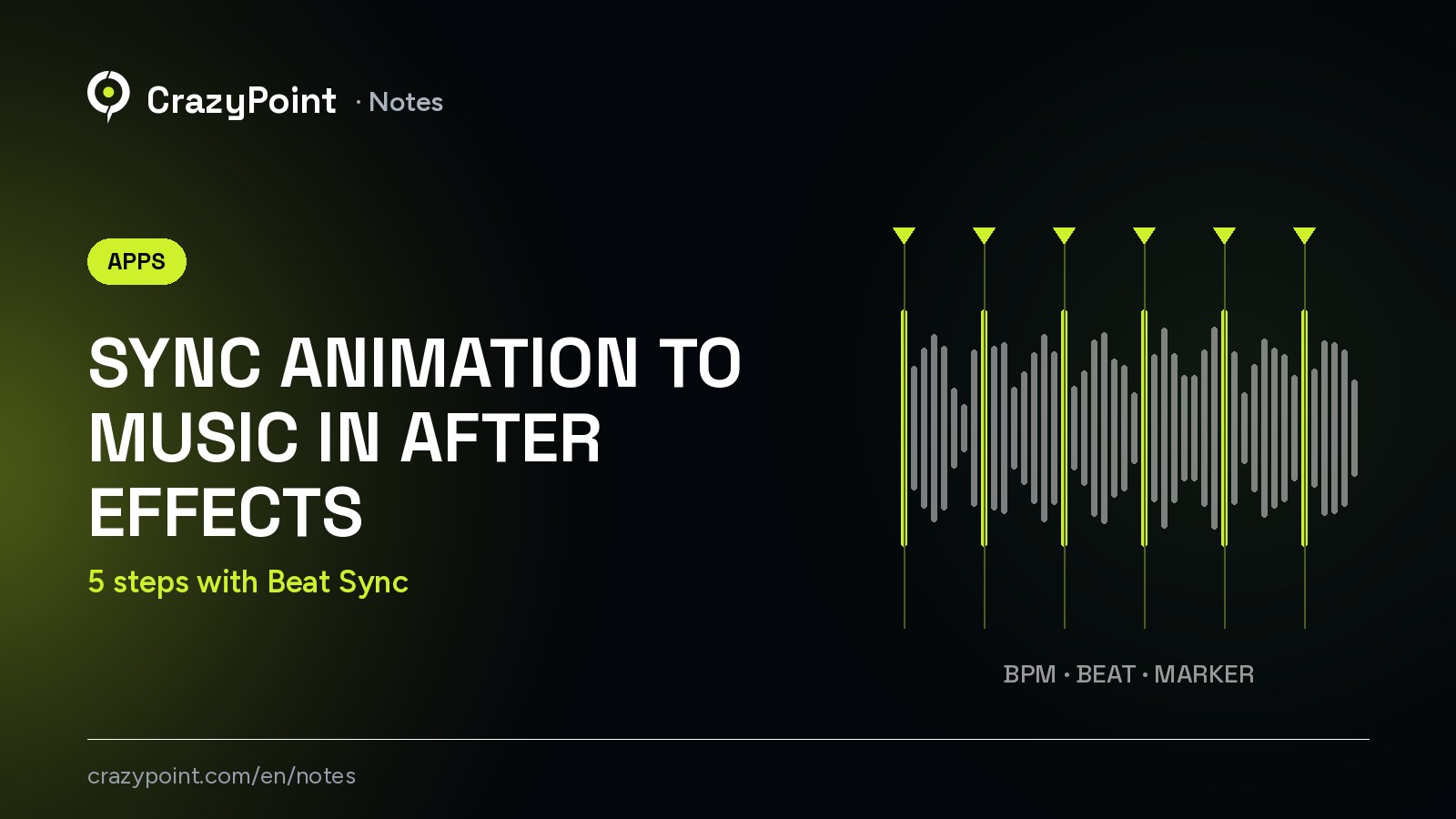
When you sync animation to music in After Effects, the video starts to flow. When cuts and animation miss the rhythm, viewers feel it right away.
But doing it by hand takes a long time. You listen to the track again and again and place a marker on every beat. And when the music gets shorter, you start over. Beat Sync is a plugin we built to automate this job. In this post, we show you how to use it in 5 steps.
In short
$0
until 5 January 2027
2
versions: After Effects and Premiere Pro
5
rhythm animations: Pulse, Flash, Shake, Rotate, Color
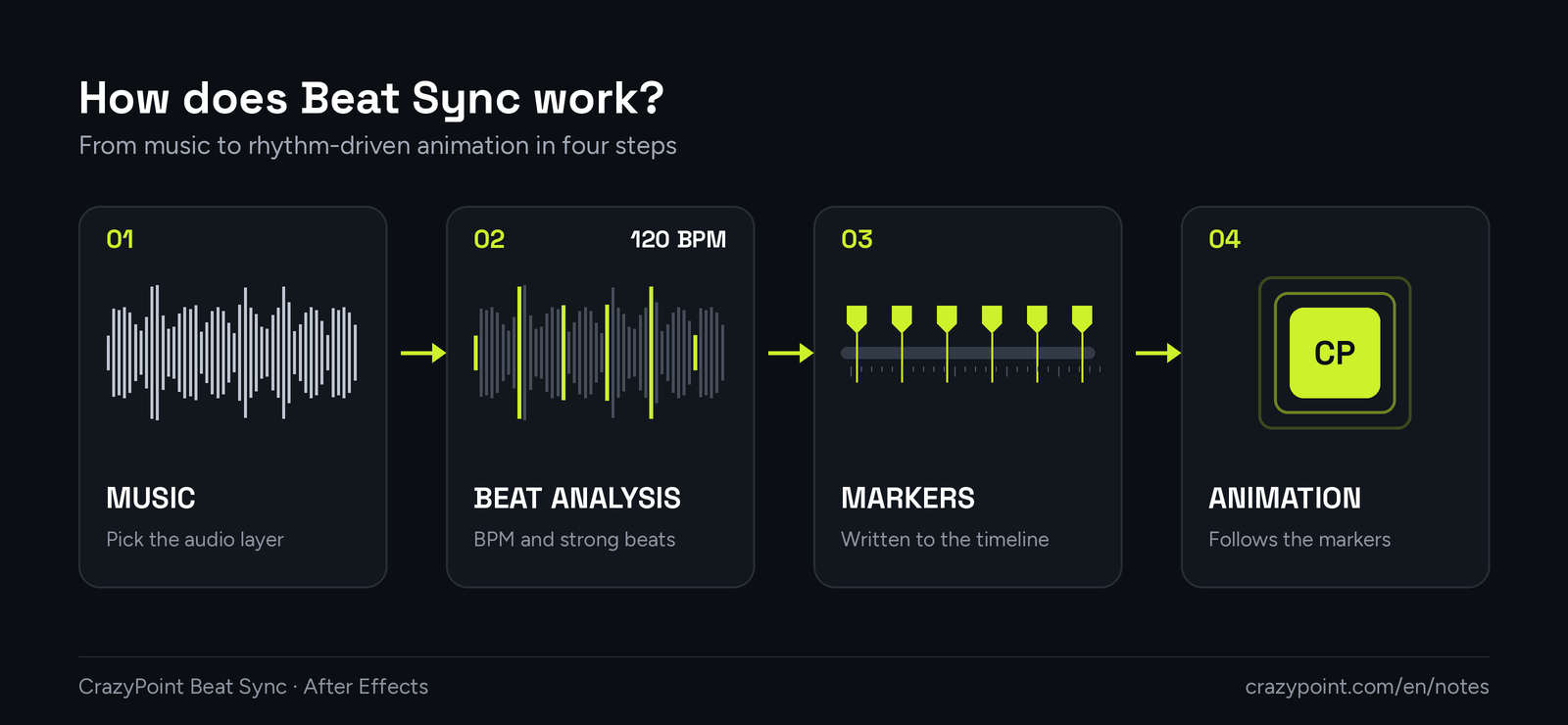
Beat Sync analyses the rhythm of your music and writes the beats as markers. Then it ties animations and cuts to those markers. The animations are built with expressions that read the markers. So when you move a marker, the animation tied to it updates on its own.
You can download Beat Sync from its app page by signing in with your Google account. Then follow these steps:
The zip also contains a .zxp package and two short guides. Here are the requirements:
| Requirement | Details |
|---|---|
| Program | After Effects 2026 (Premiere Pro version: 2025 or 2026) |
| Operating system | Windows 10/11 (macOS not tested yet) |
| Price | Free until 5 January 2027 |
Once the install is done, you can get to the real work. Each step takes only a few clicks.
Select the audio layer in your composition, or a video with sound. Then open the Beat Sync panel. The analysis runs on the layer you selected.
Run the analysis. Beat Sync works out the tempo (BPM) of the track. Then it finds the beats, the strong beats and the bar starts, and writes them as markers. It also takes the layer’s start point, speed and time remap setting into account. These are After Effects’ own markers. For general use, see Adobe’s page on markers.
No two tracks are the same. You can choose the bass, snare, hi-hat or all bands. The sensitivity, minimum gap and offset are adjustable too. The result shows up on a waveform timeline, and you can hear it with the preview audio. If needed, you can give the rhythm by hand with tap tempo.
Tip
In tracks with a clear drum line, the bass band usually catches the main beats. If you get too many markers, lower the sensitivity or raise the minimum gap.
Add rhythm-driven animation to your layers: Pulse, Flash, Shake, Rotate or Color. For example, if you apply Pulse to a logo, it grows and shrinks a little on every beat. You can shape the motion with patterns and ease curves. You can also bake it to keyframes if you like.
If you are building a sequence of photos or clips, use auto-cut. The selected layers are placed on the beats in order. So a rhythmic slideshow is ready in seconds. After that, you can move the markers by hand to fine-tune.
The two versions work the same way but do different jobs:
| After Effects version | Premiere Pro version | |
|---|---|---|
| What does it do? | Builds beat-driven animation and cuts | Writes markers to the sequence and places photos and clips on the beats |
| Program | After Effects 2026 | Premiere Pro 2025 and 2026 |
| Menu name | CrazyPoint Beat Sync | CrazyPoint Beat Sync Premiere |
Beat Sync saves time for anyone who works with music. It makes a difference especially in these jobs:
It also works with our other plugins. You can add easing and ready-made animations with Motion Suite, and speech-synced text with Type Hook.
No. Beat Sync is free until 5 January 2027. You can download the After Effects and Premiere Pro versions from the app page.
Yes. The animations are built with expressions that read the markers. So when a marker moves, the animation updates too.
Yes. They are separate plugins, and they work fine when both are installed.
It has not been tested yet. For now, Windows 10 and 11 are supported.
Try Beat Sync for free
If you have feedback or a feature request, get in touch. If you would like us to produce your videos, see our Video Production page.
Comments are closed