

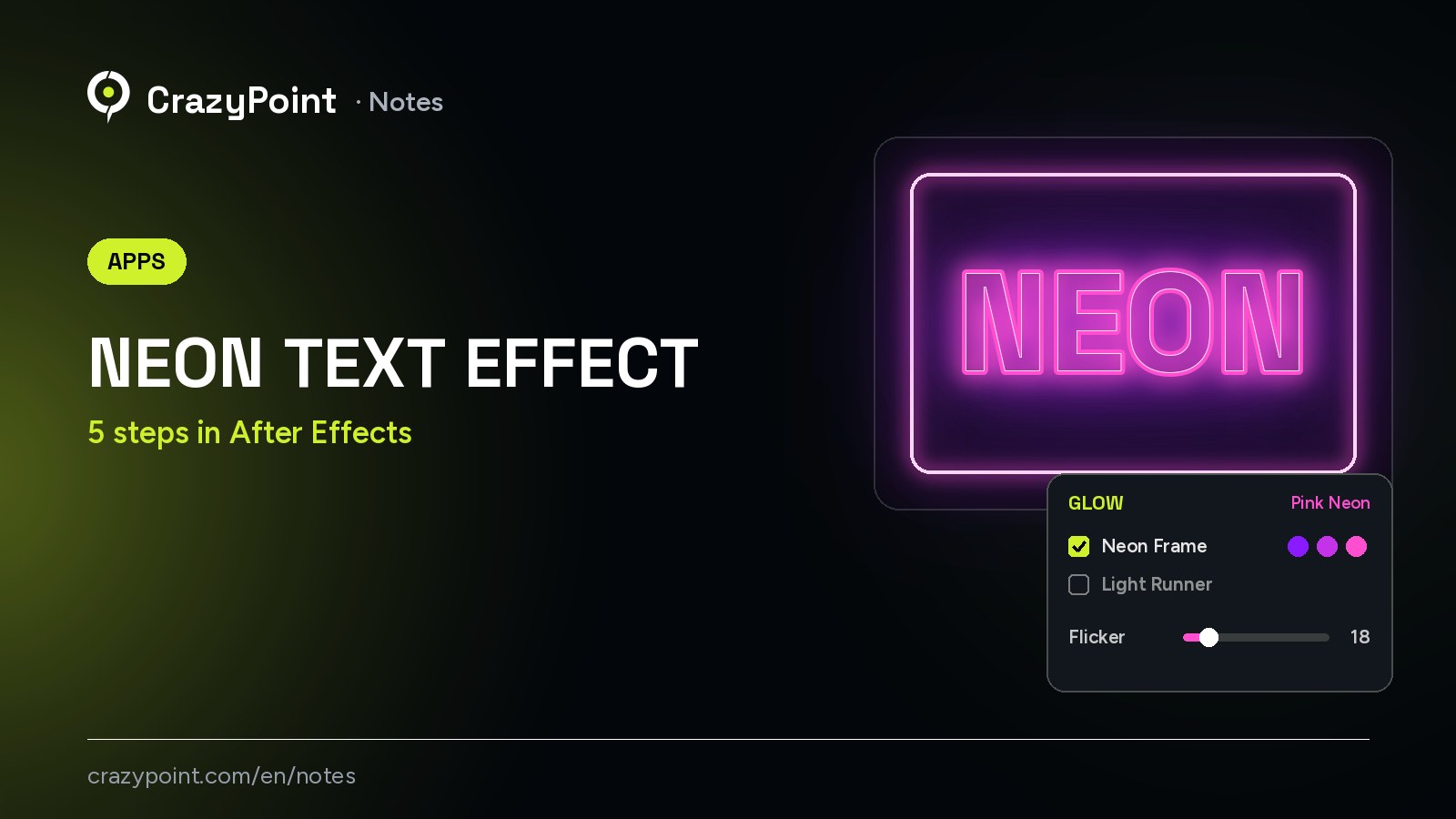
Neon text is a thin line of light glowing on a dark background. That is why it makes a title stand out in the first second. For example, it is popular in Reels openers, event videos and night-themed promos. In this post, we show two ways to make a neon text effect in After Effects. You can build it by hand or with Motion Suite.
In short
3
parts: core, inner light, halo
5
built-in light presets (Motion Suite)
16 bpc
smooth gradients in a wide halo
A very bright color looks almost white in the middle on screen. The color then gets deeper as it spreads out to the edges. That is why a convincing neon text effect needs more than one light. First, you need a thin, bright core in the middle. Then a colored light surrounds it, and a wide halo sits on the outside.
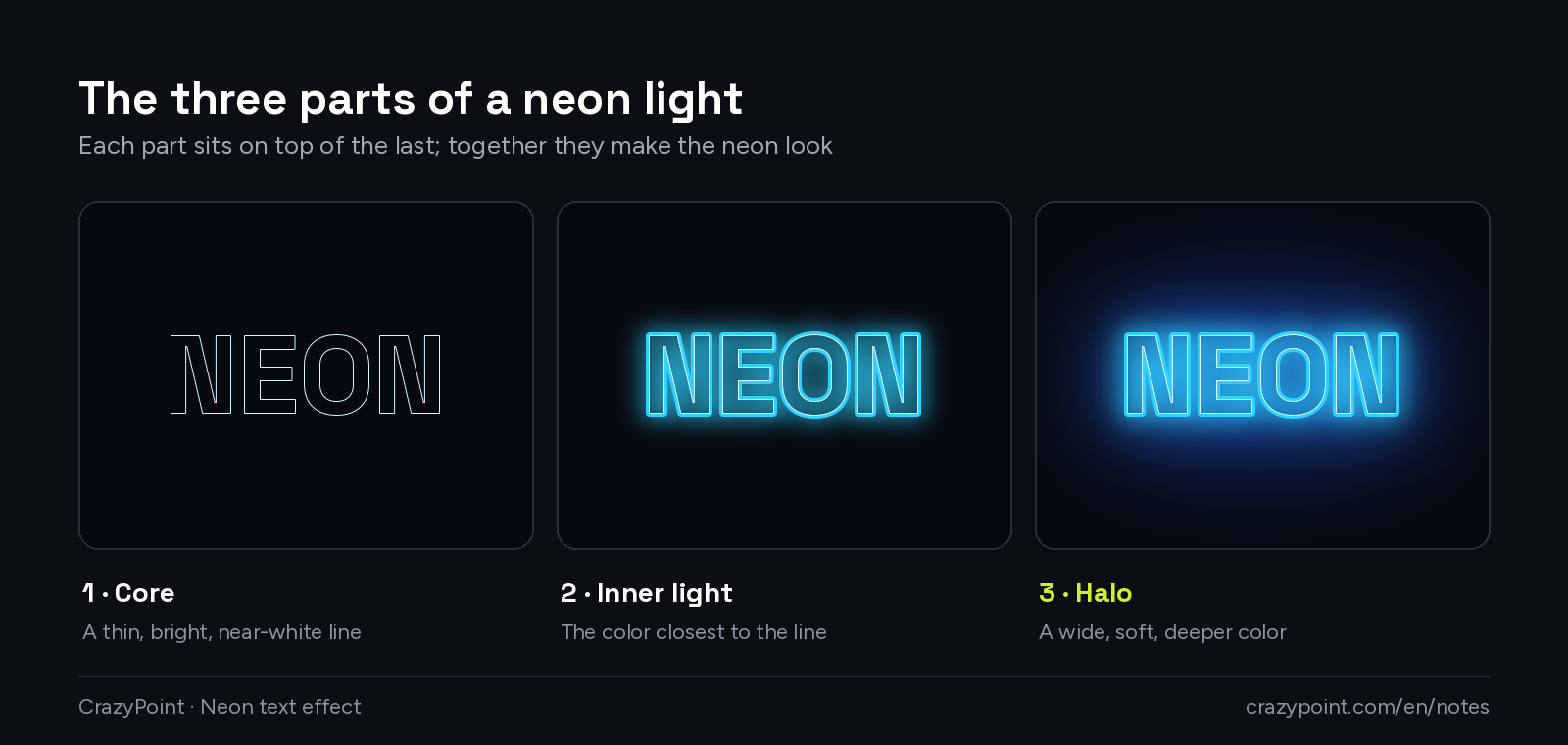
After Effects has no neon button. But you can build the look with its own Glow effect. According to Adobe, Glow finds the bright areas of an image. It then spreads that brightness outward as a soft light. Glow Radius sets how many pixels the light spreads, and Glow Intensity sets how bright it is.
wiggle(10, 15)This line moves the opacity 10 times a second by up to 15 units. As a result, the text flickers slightly, like an old neon sign. The numbers above are examples. You will need to adjust them to the size of your text.
This method works. But you have to balance the settings of three effects by hand. Also, when you want to change the color, you have to open each Glow one by one.
Motion Suite is a plugin we built for After Effects. Its Glow tool builds the light as a single layer above the selected layer. Here is how you make the neon text effect:
Once the light is built, switch to “Live Edit” mode. Then color, spread, intensity and flicker change instantly. If you change a build setting such as line width, the panel suggests rebuilding the glow.
The Glow tool has four looks. You can use them alone or together:
| Look | What it does | Where it works |
|---|---|---|
| Neon Frame | A steady line of light around the edge; pulse and flicker can be added | Neon text, signs, titles |
| Light Runner | A light that travels along the edge, leaving a fading tail | Logo reveals, frames |
| Light Sweep | A band of light that passes over the object at intervals | Products, gold text |
| Aura | A soft, breathing colored halo behind the object | Background accents |
In an 8 bpc project, a wide, soft halo may show bands. So choose 16 bpc under File › Project Settings › Color. Motion Suite also warns you in an 8 bpc project and switches to 16 bpc with one click.
Wide glows can slow down previews. So set the quality in the Glow tool to “Draft”. Draft builds the light at half resolution. However, switch back to “Final” before you render.
Neon looks best on a dark background. On a light background, the glow gets lost and the text looks blurry.
Tip
Flicker imitates a faulty neon sign. So use it lightly. For example, the Pink Neon preset keeps flicker at 18.
You can download Motion Suite from its app page after signing in with Google. It is free until January 5, 2027. It runs on After Effects 2026 with Windows 10/11. The panel works in English and Turkish.
Besides Glow, there are three more tools. Ease edits curves, the Library gives you ready expressions and Animation adds ready in and out animations. For example, we cover the ready counter in our counter animation post.
It is under Effect › Stylize › Glow. You can also drag the effect onto the selected layer.
Yes. The Glow tool in Motion Suite works on PNG, video, precomp, shape, text and masked layers. On shape and text layers, it builds the light along the vector path.
Your project is most likely 8 bpc. In that case, steps between colors show up in wide, soft gradients. Switch the project to 16 bpc and the gradient becomes smooth.
No. The glow is built with After Effects’ own effects and expressions. So your project keeps working without the plugin.
Let’s make your titles glow
Motion Suite is free until January 5, 2027. Want us to produce glowing titles and logo reveals for you? See our Video Production page.

Comments are closed