

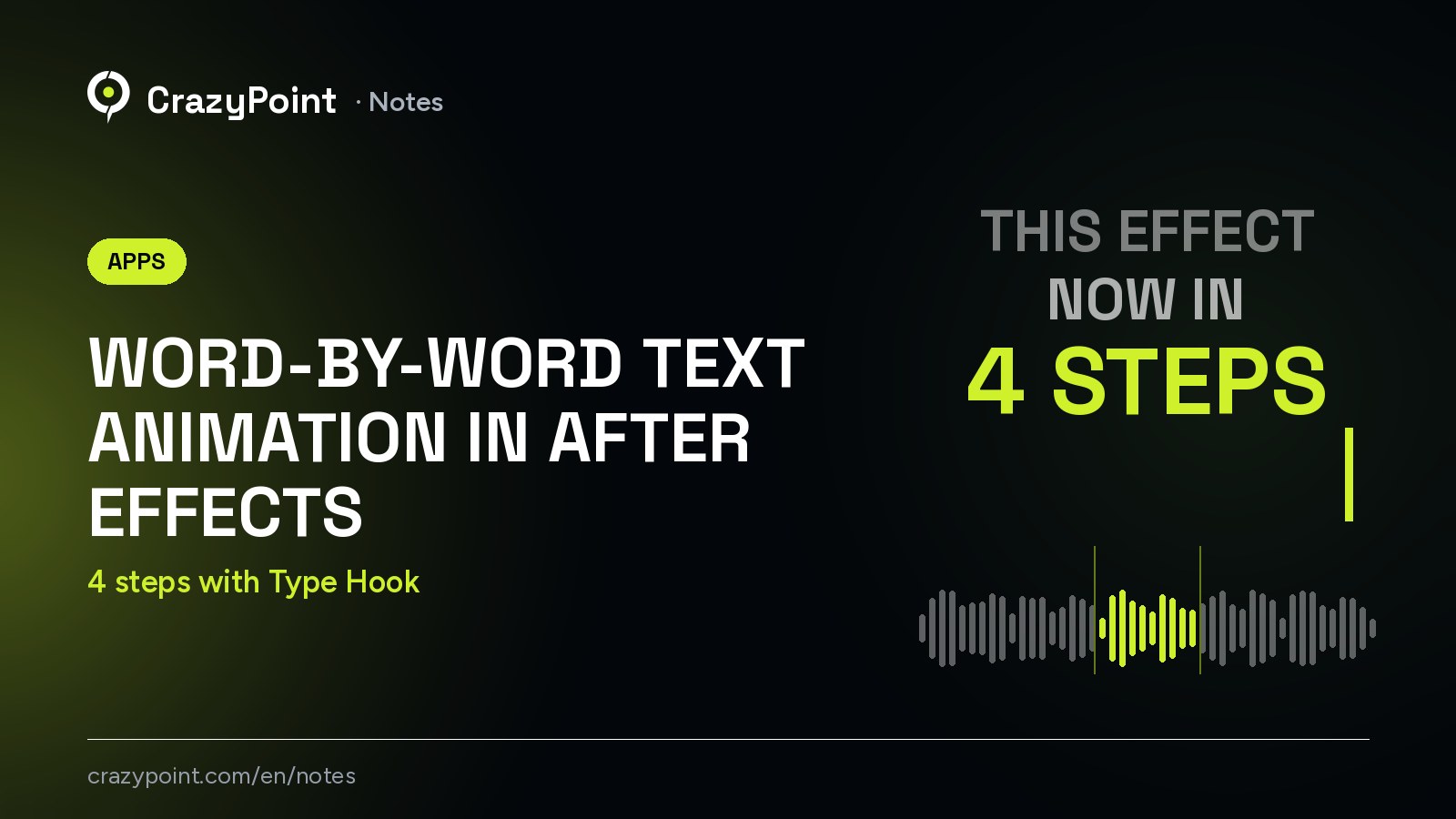
Word-by-word text animation that appears with the speech is everywhere in Reels, TikTok and Shorts. That is because it carries the message to people who watch with the sound off. It also puts the key word up front.
But building it by hand in After Effects is a chore. Each word needs its own layer, its own timing and its own style. So a single video can take hours. Type Hook is a plugin we built to turn this into a few steps. In this post, we show you how to use it in 4 steps.
In short
4
steps: write, pick, time, apply
3
placement areas: top, middle and bottom
$0
until 5 January 2027
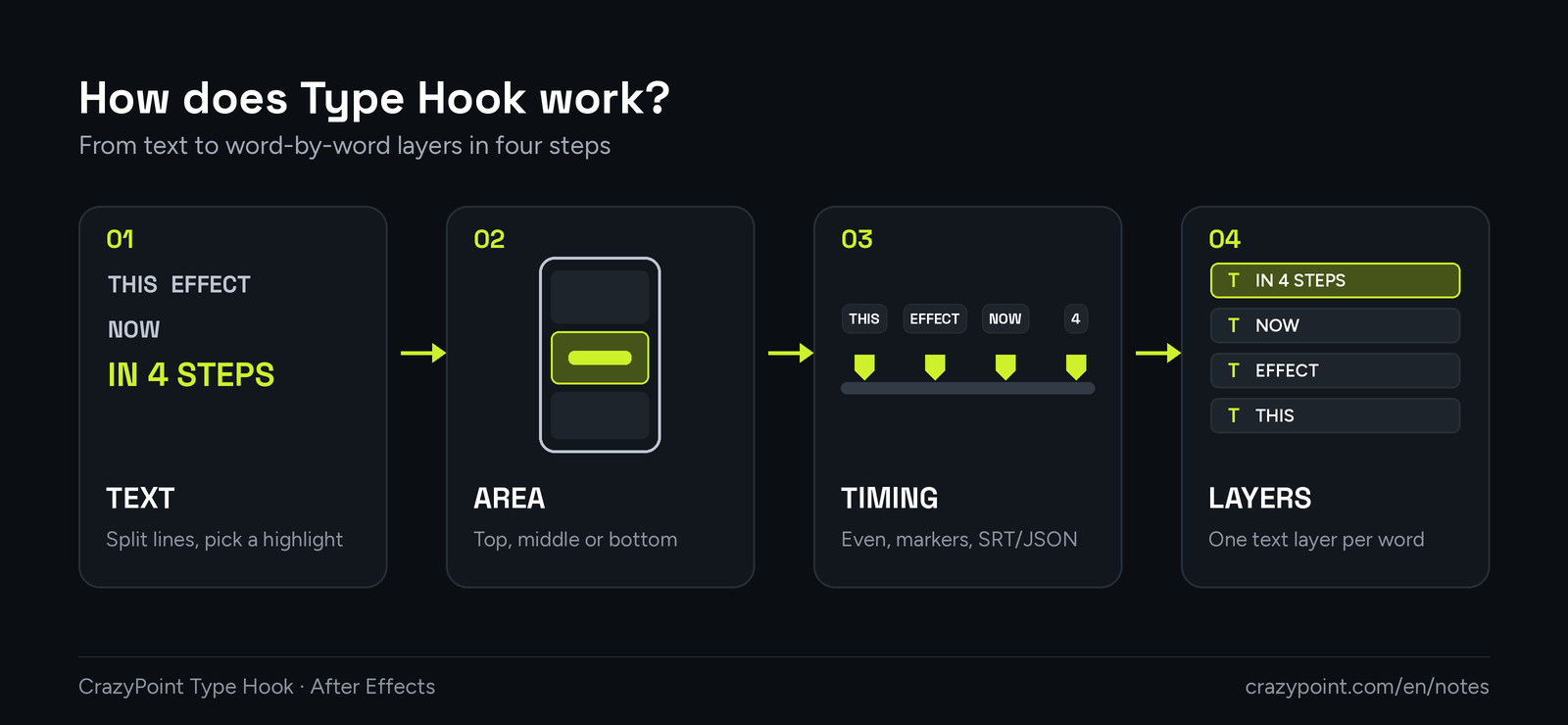
Type Hook is an After Effects plugin that builds “hook” text in sync with speech. First, it splits your text into lines and lets you pick the word to highlight. Then it places the words so they appear one by one with the speech. In the end, you get plain After Effects text layers. So you can still fix any word by hand later.
This is also how it differs from subtitles. Subtitles make the whole speech readable. Type Hook, on the other hand, builds designed typography that puts a few words forward.
Download Type Hook from its app page by signing in with Google. Then follow these steps:
The zip also has a .zxp package for an alternative install and two PDF guides. Here are the requirements:
| Requirement | Detail |
|---|---|
| Program | After Effects 2026 |
| Operating system | Windows 10/11 (macOS not tested yet) |
| Version | 0.1.0 |
| Price | Free until 5 January 2027 |
Once it is installed, you can get to the real work. Each step takes a few clicks in the panel.
Type the speech into the panel and split it into lines. Each line is a group that shows on screen together. Then pick the word to highlight with one click. For long texts, auto split and auto highlight do the prep for you.
Mark where the text should sit in the composition preview: top, middle or bottom. Then pick a layout: auto, stacked, in a row, highlight on top or highlight below.
Pick a style and apply it. You can set a separate font, size and colour for highlighted and normal words. You can also add a halo and a shadow. Words can come in from a blur, with a fade or from below. In the end, each word is its own text layer. And you move the whole block with one control layer.
Don’t worry if you don’t like a result. Every action undoes with a single Ctrl+Z in After Effects.
In short, it fits any short video with speech. It makes a real difference in these:
Want to cut to the rhythm of music? See our Beat Sync post too.
No. Type Hook is free until 5 January 2027. You can download it from its app page.
No. Type Hook does not build subtitles. Instead, it builds highlighted social media typography that appears in sync with speech. Each word stays editable as its own layer.
From even spacing, your own markers or SRT and word-timed JSON files. Files made with Whisper import directly.
It works with After Effects 2026 on Windows 10 and 11. macOS has not been tested yet.
Try Type Hook for free
If you have feedback or a feature request, write to us. If you want us to produce your videos, see our Video Production page.

Comments are closed